 By Siam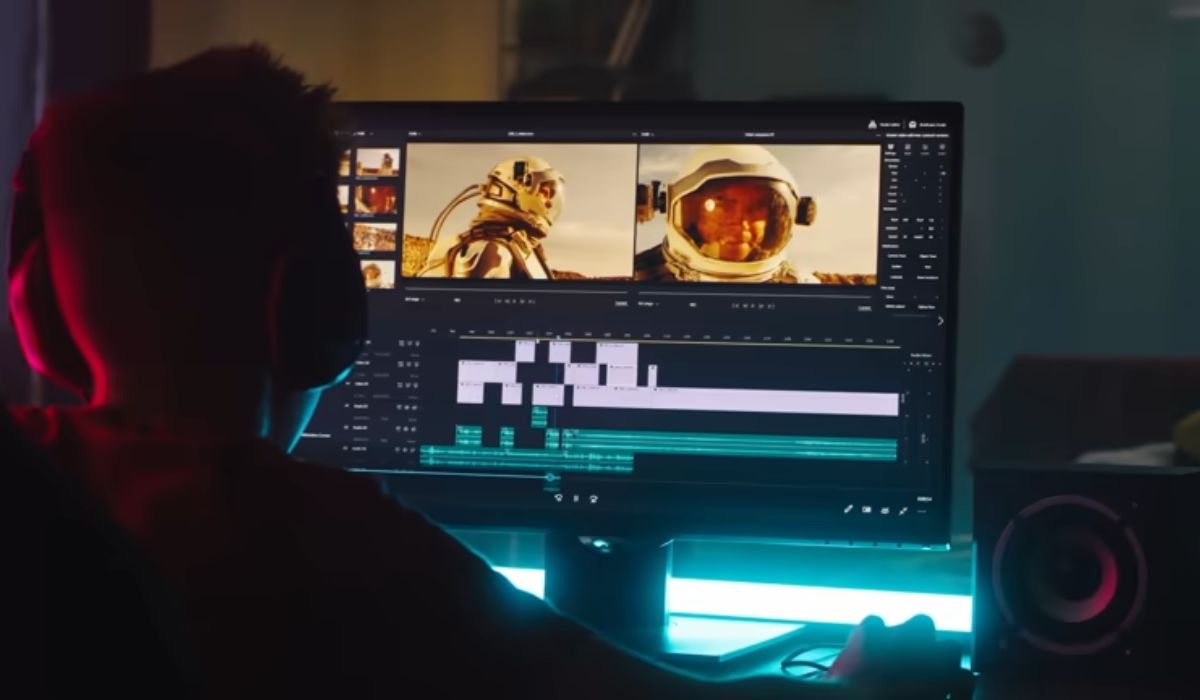
Video editing is one of the most essential skills in today’s digital world. From YouTube videos and social media reels to films, advertisements, and online courses, video editing plays a crucial role in shaping how stories are told and messages are delivered. It is the process of arranging, trimming, enhancing, and refining video clips to create a polished final product that engages viewers.
Video editing involves selecting the best shots from raw footage and combining them in a logical, visually appealing sequence. Editors add transitions, music, sound effects, text, color correction, and visual effects to improve the quality and impact of the video. The goal is not just to cut clips, but to tell a story that feels smooth, emotional, and meaningful.
In a world where attention spans are short, well-edited videos stand out. Good video editing:
- Keeps viewers engaged from start to finish
- Improves storytelling and emotional impact
- Enhances brand identity and professionalism
- Helps deliver messages clearly and effectively
Poor editing, on the other hand, can make even great footage feel boring or confusing.
There are several types of video editing, depending on the purpose:
- Film and Cinematic Editing – Used in movies and short films to create dramatic storytelling.
- YouTube and Social Media Editing – Fast-paced edits, jump cuts, captions, and effects designed to grab attention quickly.
- Corporate Video Editing – Professional editing for business presentations, training videos, and promotional content.
- Documentary Editing – Focuses on storytelling, interviews, and real-life events.
- Event Video Editing – Used for weddings, birthdays, and live events to highlight special moments.
There are many tools available for beginners and professionals alike:
- Adobe Premiere Pro – Industry-standard software for professional editing
- Final Cut Pro – Popular among Mac users
- DaVinci Resolve – Known for advanced color grading
- CapCut & Filmora – Beginner-friendly and widely used for social media content
Choosing the right tool depends on your skill level, budget, and editing needs.
ALSO LIKE: What is Newtopy? The SEO Secret You Need to Know
The video editing workflow usually follows these steps:
- Import raw footage
- Organize clips and select the best shots
- Trim and arrange clips on the timeline
- Add transitions, text, and music
- Apply color correction and effects
- Export the final video in the required format
Following a structured process saves time and improves quality.
If you are new to video editing, keep these tips in mind:
- Start simple and focus on clean cuts
- Learn keyboard shortcuts to work faster
- Use background music carefully to match the mood
- Avoid overusing effects and transitions
- Watch professional edits and learn from them
Practice is the key to mastering video editing skills.
With the rise of AI tools, short-form content, and virtual reality, video editing is evolving rapidly. Automated editing, smart effects, and cloud-based tools are making editing faster and more accessible than ever. As video content continues to dominate digital platforms, the demand for skilled video editors will only grow.
Video editing is more than just a technical skill—it is a creative art form. Whether you are a content creator, filmmaker, marketer, or beginner, learning video editing can open doors to endless opportunities. With the right tools, practice, and creativity, anyone can turn raw footage into engaging and impactful videos
YOU MAY ALSO LIKE: What is ontpress.com? A Guide to Modern Content Management